
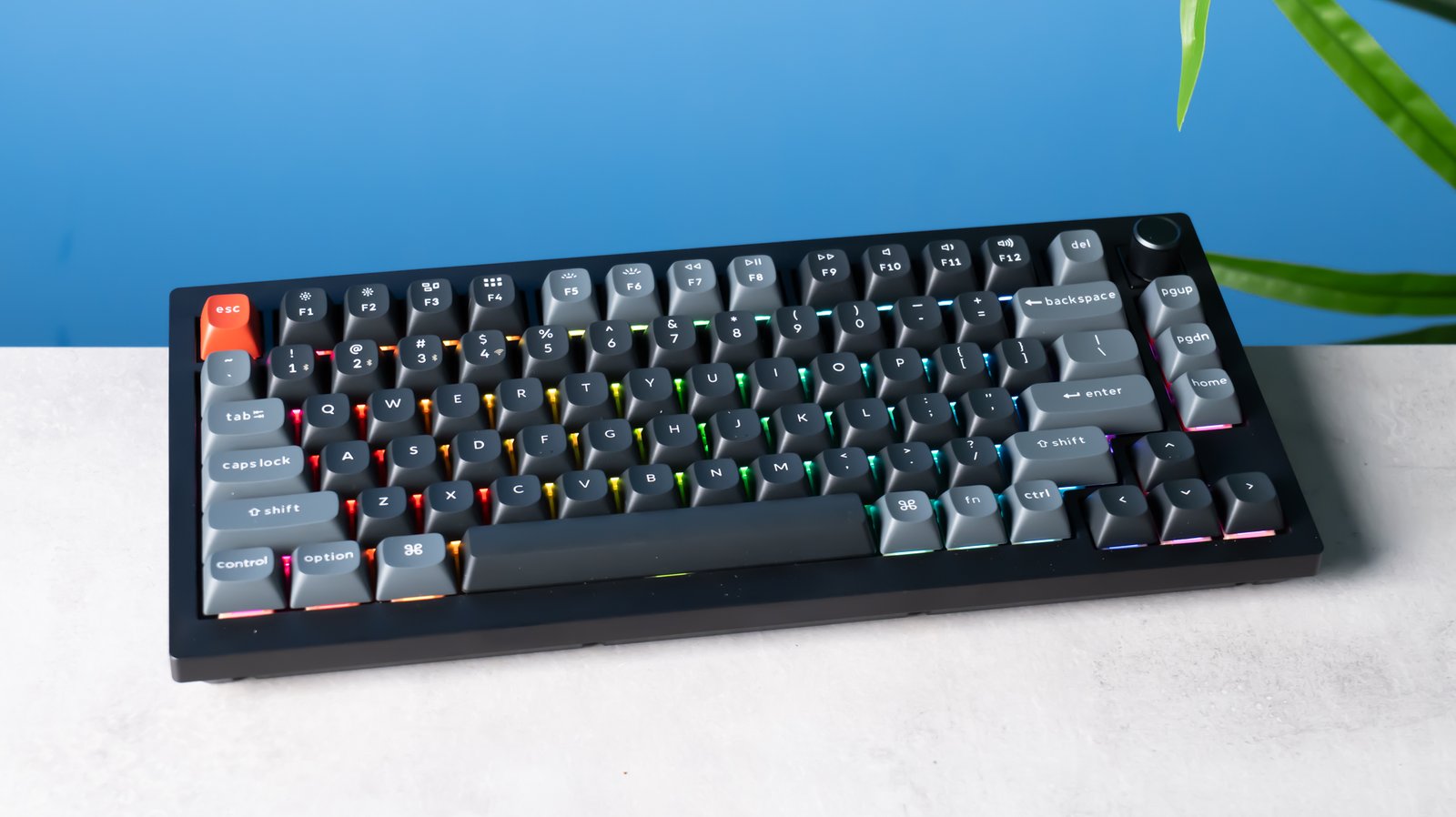
For computer users, whether you’re a professional typist, gamer, or productivity enthusiast, the right keyboard can make a significant difference. Among various options, mechanical keyboard with tactile switches have become increasingly popular due to their responsive feel and balanced typing experience. This guide will help you understand what tactile switches are, how they differ from other switches, and how to choose the best keyboard for your needs.
What Are Mechanical Keyboards with Tactile Switches?
Mechanical keyboards with tactile switches are keyboards that use a specific type of mechanical switch designed to give a noticeable bump when a key is pressed. Unlike linear switches, which move smoothly without feedback, tactile switches provide a subtle physical sensation at the actuation point, helping users know when a keypress has been registered. This feedback is particularly appreciated by typists who want to reduce accidental keystrokes and improve typing speed and accuracy.
How Do Tactile Switches Work Compared to Other Switch Types?
Tactile switches function by using a small, internal bump that creates resistance mid-press. When pressed, you feel this bump before the key is fully pressed down. In contrast, linear switches offer smooth keystrokes with no tactile feedback, while clicky switches combine the tactile bump with an audible click.
| Switch Type | Feedback | Sound | Best For |
| Tactile | Medium bump | Quiet | Typing & Gaming |
| Linear | None | Quiet | Gaming & Smooth Typing |
| Clicky | Medium bump | Loud click | Typing enthusiasts |
This combination of tactile sensation and quieter operation makes tactile switches a versatile choice for both office environments and gaming setups.
What Are the Benefits of Using Tactile Switches?
Tactile switches offer several advantages over other mechanical switches. First, the physical bump improves typing accuracy, making them ideal for users who spend long hours typing. According to a study by Keychron, users using tactile switches experienced fewer typing errors compared to linear switches.
Second, tactile switches are quieter than clicky switches, making them suitable for shared workspaces. Gamers also benefit because tactile feedback helps confirm keypresses without needing to bottom out the key, which can reduce finger fatigue during extended gaming sessions.
Lastly, tactile switches provide a balanced typing experience, offering enough feedback to feel deliberate keypresses while remaining smooth enough for fast typing. Many users report improved productivity and comfort after switching from membrane keyboards to tactile mechanical keyboards.
Which Tactile Switches Are the Most Popular?
Several tactile switches dominate the market, each with slightly different actuation forces and keyfeel. Some popular options include:
- Cherry MX Brown: The classic choice, offering a moderate bump and quiet operation, ideal for typing and general use.
- Gateron Brown: Smooth tactile feedback at a slightly lower actuation force than Cherry MX Browns, popular among budget-conscious users.
- Zealios V2: Known for a pronounced tactile bump and smooth keystroke, favored by enthusiasts and custom keyboard builders.
These switches are often featured in prebuilt keyboards or available for custom mechanical keyboard kits. User reviews consistently highlight the balance between feedback, typing comfort, and reduced noise.
How to Choose the Right Mechanical Keyboard with Tactile Switches?
Choosing the right tactile keyboard depends on several factors. First, consider your typing style and keypress preference. If you prefer a lighter, smoother bump, Gateron Browns may be suitable, while heavier tactile feedback like Zealios V2 works well for precise typing.
Second, factor in keyboard size and layout. Full-size keyboards are ideal for office work with a numeric keypad, while tenkeyless (TKL) or 60% layouts save desk space and improve ergonomics for gaming.
Third, consider additional features like hot-swappable switches, RGB lighting, and software customization. For example, hot-swappable keyboards allow users to easily test different tactile switches without soldering, providing flexibility to find the perfect feel.
Finally, budget plays a role. Mechanical keyboards with tactile switches vary from $60 for entry-level options to $200+ for premium or custom models. Balancing your budget with your typing and gaming needs will help ensure the best experience.
Conclusion
Mechanical keyboards with tactile switches offer a versatile, comfortable, and accurate typing experience suitable for both work and play. By understanding how tactile switches work, exploring popular options, and considering your personal preferences, you can select a keyboard that enhances productivity and enjoyment. For more details, check out our in-depth guide on mechanical keyboard with tactile switches.