
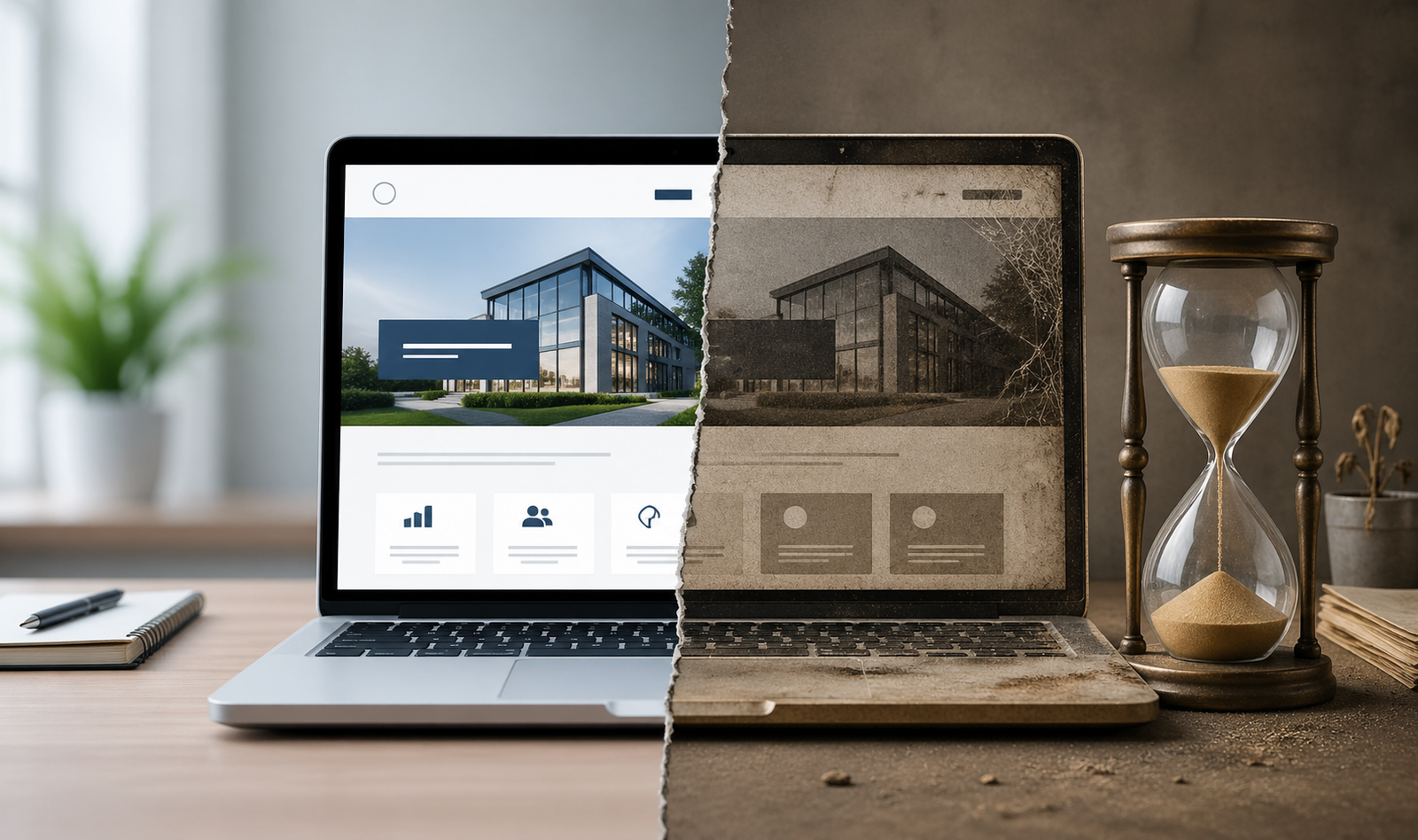
This is the part of web development that nobody budgets for. Building a site gets all the attention: the design mockups, the copywriting sprints, the launch day celebration. What follows in the months after determines whether that investment in custom code, SEO architecture, site speed optimization, responsive design, and conversion-focused user experience compounds into revenue or slowly bleeds value.
Most businesses discover the problem only when leads dry up, or a competitor’s redesign pushes them off page one. By then, the repair costs more than the original build.
The Invisible Decline
Websites don’t break all at once. They erode.
Security patches go uninstalled. CMS platforms release updates that sit ignored for months, and each missed update widens the vulnerability window that search engines will eventually penalize.
Third-party scripts accumulate: the chat widget, the analytics tag, the retargeting pixel, the cookie consent banner. Each one adds page weight and HTTP requests. A site that loaded in 1.8 seconds at launch now takes 4.2 seconds, and 53% of mobile visitors give up on a page that takes longer than 3 seconds to load.
Content goes stale. Service pages reference last year’s pricing, and blog posts cite statistics from 2019. The team photo features three people who no longer work there. Search engines reward freshness, and they can tell when a page hasn’t been touched.
Key takeaway: A website that isn’t actively maintained is actively declining. The decay is invisible until its effects show up in your analytics.
Speed Bleeds Money
Page speed is a ranking factor, a conversion factor, and a trust signal all at once. Google has been explicit about this since 2018, and the standards keep tightening.
Every extra second of load time reduces conversions by roughly 7%. For a site generating $50,000 per month in revenue, a two-second slowdown represents $7,000 in monthly losses that never appear on a balance sheet.
Speed degradation happens through accumulation: a new font file here, an uncompressed hero image there, a JavaScript library that a developer added for one feature and never removed. None of these feels significant in isolation. Together, they compound into a measurable drag on performance.
Key takeaway: Speed loss is revenue loss. If you haven’t audited your site’s load time in the past six months, the number will surprise you.
Search Engines Have a Short Memory
Google recrawls and re-evaluates pages constantly. A site that earned a first-page ranking 18 months ago holds no permanent claim to that position. Rankings are re-auctioned every time the algorithm updates, a competitor publishes better content, or your site’s technical health score drops.
Core Web Vitals measure loading performance, interactivity, and visual stability. Sites that fail these benchmarks lose ranking priority to sites that pass them. The thresholds aren’t static either; Google raised the bar in 2024 with the Interaction to Next Paint metric, replacing First Input Delay with a stricter standard.
Meanwhile, your competitors are publishing new pages, earning backlinks, and optimizing their technical SEO. The site you launched is competing against every improvement your competitors have made since then. Standing still in search is falling behind.
Key takeaway: SEO is maintenance, not a milestone. Rankings decay at the same rate as your site’s technical health and content freshness decline.
The CMS Trap
WordPress powers roughly 43% of all websites. Shopify, Webflow, Squarespace, and other platforms cover much of the rest. Every one of these platforms pushes regular updates, and every update is a potential breaking point.
Theme updates can override custom CSS. Plugin updates can conflict with other plugins, and PHP version upgrades can render legacy code nonfunctional. A site owner who clicks “update all” without testing in a staging environment is gambling with their revenue stream.
The opposite approach is equally dangerous. Ignoring updates preserves short-term stability at the cost of security, compatibility, and performance. Outdated PHP versions run slower, unsupported plugins become backdoors for malware, and Google’s Safe Browsing flags can tank your organic traffic overnight.
Professional maintenance solves this by testing updates in isolated environments before deploying to the live site. It costs a fraction of the emergency repair bill that follows a botched update or a security breach.
The Redesign Cycle Is a Trap Too
Many businesses operate on a redesign-and-forget cycle: build a new site every three to five years, let it decay in between, then spend another large sum to replace it. Each cycle starts from near zero.
This pattern is expensive and wasteful. A site that receives ongoing development, regular speed audits, quarterly content updates, and continuous SEO tuning never needs a full redesign. Its architecture evolves incrementally. Its rankings compound instead of collapsing and rebuilding.
The math favors continuous investment. A $2,000 monthly maintenance retainer over three years totals $72,000 and produces a site that improves every quarter. A $40,000 redesign every three years totals $80,000 over six years and delivers two peaks of performance followed by two long declines.
Key takeaway: Continuous development costs less and performs better than the build-and-rebuild cycle. Treat your site as an evolving asset that compounds value over time.
What Active Maintenance Actually Looks Like
A proper maintenance program covers five areas on a recurring basis:
- Technical health: Monthly audits of page speed, Core Web Vitals, mobile responsiveness, and crawl errors. Fix issues before they compound.
- Security: Weekly plugin, theme, and CMS updates tested in staging before live deployment. Regular malware scans and firewall monitoring.
- Content freshness: Quarterly reviews of service pages, pricing, team info, and blog content. Update statistics and remove outdated references.
- SEO monitoring: Monthly tracking of keyword rankings, backlink profile, and competitor movements. Adjust on-page optimization as algorithms evolve.
- Conversion optimization: Quarterly analysis of user behavior, form completion rates, and bounce rates. Test layout changes and calls to action based on real data.
Each task is small on its own. Together, they keep a site in peak operating condition and prevent the slow accumulation that eventually forces a costly overhaul.
The Foundation Analogy
A business website is a commercial building. The day it opens, the foundation is solid, the systems are current, and the facade looks sharp. Leave it without maintenance for 18 months, and the HVAC underperforms, the paint fades, the parking lot cracks, and prospective tenants walk across the street to the building that invested in upkeep.
No commercial property owner would skip maintenance for two years and then demolish the building to start over. Yet that is exactly how most businesses treat their websites.
The site you have today is either gaining value or losing it. There is no pause button. The only question is whether you’re investing in the upkeep now or paying for the consequences later.